
Finding effective ways to improve wireless signal through thick walls is a common challenge for those living in older homes or modern apartments built with dense materials like concrete and steel. These physical barriers act as significant impediments to radio frequency propagation, often leading to dead zones and frustratingly slow speeds in peripheral rooms. As we look ahead to the connectivity demands of 2026, where high-bandwidth applications like 8K streaming and spatial computing become standard, ensuring a robust signal through every partition is essential. By understanding how different materials interact with electromagnetic waves, you can implement strategic hardware adjustments and configuration changes to bypass these obstacles. This guide explores professional-grade solutions ranging from mesh technology to hardwired backhauls to ensure your home network remains resilient and high-performing regardless of architectural constraints.
Master the Art of Strategic Router Placement
To maximize coverage, position your router in the most central location of your living space to minimize the number of walls the signal must penetrate. Elevating the router on a shelf or mounting it on a wall helps avoid interference from furniture and ground-level clutter, which often absorbs or reflects signals. Avoid placing the device inside cabinets or behind television sets, as these enclosures significantly dampen the transmission strength before it even reaches the first wall. By keeping the router out in the open, you allow the omnidirectional antennas to broadcast their energy more efficiently across the horizontal plane of your home.
Be mindful of the specific materials surrounding your router, as dense substances like brick, stone, and plaster with metal lath are particularly detrimental to Wi-Fi. If your primary workspace is separated by a load-bearing wall, try to align the router so it has a clear line of sight through a doorway or hallway. This technique, known as signal “bleeding,” allows the waves to travel through less resistive paths, effectively reaching the destination with higher decibel levels and lower latency. Small adjustments in position, even by just a few feet, can result in a dramatic increase in throughput and connection stability.
Leverage Mesh Networking Systems for Total Coverage
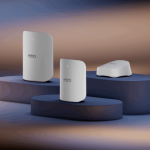
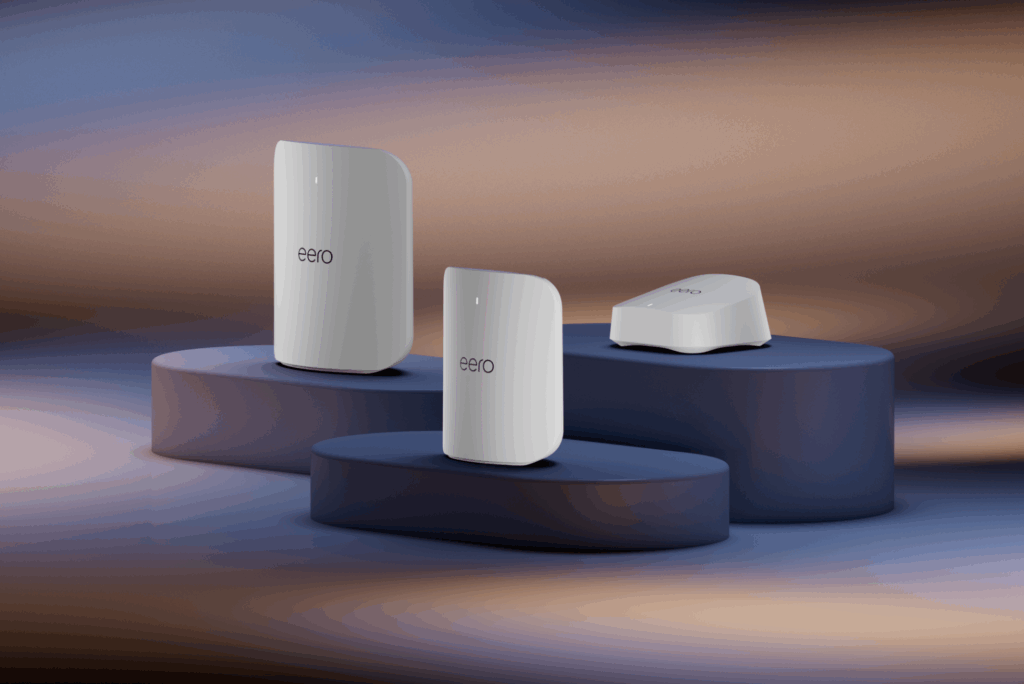
Implementing a mesh networking system is one of the most reliable ways to improve wireless signal through thick walls without running long Ethernet cables. Unlike traditional range extenders that often cut bandwidth in half, mesh nodes communicate with each other to create a single, seamless network fabric across your entire property. In a thick-walled environment, place the nodes within a clear line of sight of each other or near open doorways to ensure the “backhaul” connection between units remains strong and stable. This architecture allows the signal to “hop” around barriers rather than trying to punch through them directly.
Modern mesh systems for 2026 utilize sophisticated beamforming technology and multiple bands to navigate around physical obstructions automatically. When a signal hits a dense concrete barrier, the mesh system can dynamically reroute traffic through the most efficient path, even if it means hopping between multiple nodes. This redundancy is crucial for maintaining high-speed connectivity in multi-story homes where floor thickness and material density vary significantly between the basement and upper levels. Investing in a high-quality mesh kit ensures that every corner of your home receives a dedicated, high-strength broadcast.
Utilize Powerline Adapters for Physical Bypass
If your walls are simply too thick for any wireless signal to penetrate effectively, powerline adapters offer a brilliant alternative by using your home’s existing electrical wiring. These devices plug directly into wall outlets and convert data into electrical signals that travel through the copper wires, effectively bypassing the wireless-killing density of concrete or stone. This creates a virtual “wired” connection in any room with a power socket, providing a stable foundation for an additional access point or a direct connection to a gaming console or PC. It is an ideal solution for historic buildings where drilling is not an option.
For the best results with powerline technology, ensure that both adapters are on the same electrical circuit and avoid plugging them into surge protectors or extension cords, which can filter out the data signal. While older powerline models had speed limitations, the latest G.hn standards provide gigabit-class performance that rivals traditional Ethernet. This method is particularly effective in environments where the 5GHz or 6GHz bands fail to reach. By using the electrical grid as a data highway, you can deliver high-speed internet to rooms that were previously completely isolated from the main router’s reach.
Optimize Frequency Bands and Channel Widths
Understanding the difference between frequency bands is critical when dealing with physical obstructions like thick walls and insulation. The 2.4GHz band, while slower and more prone to interference, has a longer wavelength that allows it to penetrate solid objects much more effectively than the 5GHz or 6GHz bands. If you are struggling with connectivity in a distant room, manually forcing that device to connect to the 2.4GHz band can often result in a more stable, albeit slower, connection compared to a fluctuating high-frequency signal. This is a fundamental principle of radio physics often overlooked by casual users.
Conversely, if you are using the latest Wi-Fi 7 standards in 2026, you can take advantage of wider channels and multi-link operation (MLO) to mitigate signal degradation. By adjusting your router settings to use a narrower channel width on the 5GHz band, such as 20MHz or 40MHz, you can actually increase the signal’s “reach” and stability through dense materials. While this reduces the theoretical maximum throughput, the practical result is a much more reliable connection that doesn’t drop out when someone moves between rooms or closes a heavy door. Balancing speed with penetration is the key to a functional network.
Setting Up a Dedicated Wireless Access Point
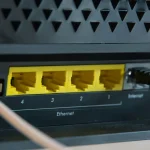
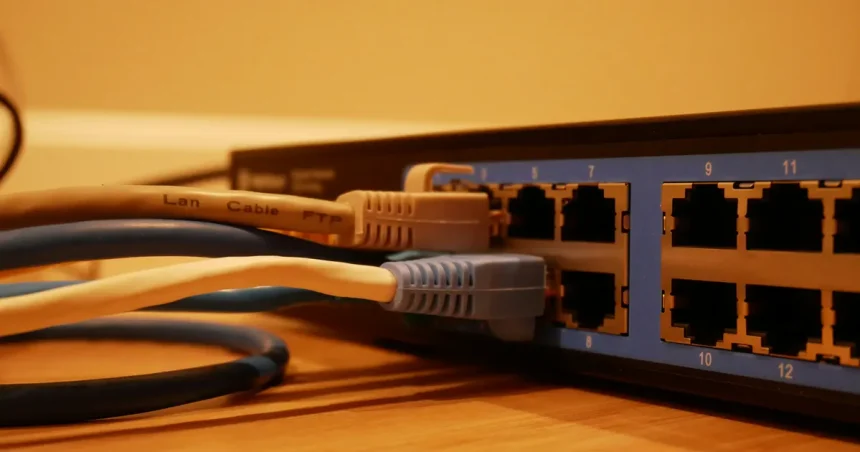
For the ultimate solution in a thick-walled environment, installing a dedicated wireless access point (WAP) connected via a Cat6a cable is the gold standard. This approach eliminates the reliance on wireless repeating altogether by bringing the source of the Wi-Fi directly into the room where it is needed most. By hardwiring an access point to your main router, you ensure that the signal only has to travel a few feet through the air to your devices, completely circumventing the signal-attenuating properties of the surrounding architecture. This setup provides the lowest latency and highest possible speeds for demanding users.
Upgrade to High-Gain Antennas and External Kits
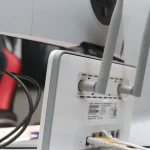
Many stock routers come with small, internal antennas that lack the power to push through significant physical barriers. Upgrading to high-gain external antennas can provide the necessary boost to increase the EIRP (Effective Isotropic Radiated Power) of your wireless broadcast. These larger antennas are designed to focus the signal more efficiently, allowing the radio waves to maintain their integrity even after passing through several inches of drywall, wood, or light masonry. Check your router’s documentation to see if the antennas are removable and compatible with standard RP-SMA connectors before purchasing an upgrade kit.
Directional antennas are another powerful tool for those trying to target a specific area behind a thick wall. Unlike omnidirectional antennas that broadcast in a circle, directional models focus the energy in a specific path, much like a flashlight beam. By pointing a high-gain directional antenna toward the most problematic wall, you increase the likelihood of the signal punching through to the other side. This is a common tactic used by professionals to bridge connections between separate buildings or across large, obstructed indoor spaces where standard consumer hardware fails to perform. It is a highly effective way to improve wireless signal through thick walls.
Mitigate Interference and Physical Dampening
Beyond the walls themselves, other physical objects can exacerbate signal loss and should be managed to improve performance. Large mirrors, fish tanks, and metal filing cabinets act as signal shields or reflectors that can create “multipath interference,” where signals bounce around and cancel each other out. Ensure your wireless path is as clear as possible by moving metallic objects away from the direct line between the router and your primary devices. Even heavy moisture in walls, common in humid environments or older basements, can significantly increase signal absorption and reduce your effective range.
Software interference from neighboring networks can also make it harder for your signal to “shout” through a thick wall. Use a Wi-Fi analyzer tool to identify the least congested channels in your area and manually switch your router to those frequencies. Reducing the noise floor in your environment allows your router’s signal to be more easily distinguished by your devices, even when it has been weakened by a thick partition. Consulting resources like the Wi-Fi Alliance or FCC guidelines can provide deeper insights into how spectral efficiency impacts home networking performance.
Key Takeaways
- Centralize router placement to minimize the number of walls the signal must cross.
- Use the 2.4GHz band for better penetration through dense materials like concrete and brick.
- Implement mesh systems or powerline adapters to bypass physical barriers without cabling.
- Upgrade to high-gain or directional antennas to increase signal strength and focus.
- Reduce environmental interference by removing metal objects and selecting clear channels.
- Consider hardwired access points for the most reliable connection in difficult areas.
Frequently Asked Questions
Which wall materials block Wi-Fi signals the most?
Concrete, brick, and stone are the most resistive, followed by plaster with metal lath and large mirrors. These materials absorb or reflect radio waves, significantly reducing the distance the signal can travel effectively.
Is a Wi-Fi extender better than a mesh system for thick walls?
No, mesh systems are generally superior as they maintain higher speeds and provide a more seamless connection. Extenders often create a second network that requires manual switching and can cut your available bandwidth in half.
Can I use 5GHz Wi-Fi through a thick brick wall?
It is possible, but 5GHz has shorter waves that are easily absorbed by dense materials. While it offers faster speeds at close range, the 2.4GHz band is usually much more reliable for penetration through thick masonry.
Will a newer router really help with signal penetration?
Yes, modern routers use beamforming and advanced chipsets to focus signals more effectively through obstacles. Hardware released for 2026 standards includes better processing to handle signal degradation and interference from physical barriers.
Does painting a wall affect the Wi-Fi signal?
Standard household paint does not affect the signal, but specialized “EMF shielding” paint or older lead-based paint can significantly block signals. Most modern interior finishes are transparent to radio frequencies and won’t cause issues.
Conclusion
Overcoming the physical limitations of your home’s architecture requires a combination of strategic placement, hardware upgrades, and smart configuration. Whether you opt for a high-performance mesh network or utilize powerline technology to bypass masonry entirely, the goal is to create a consistent and reliable digital environment. As technology evolves toward the standards of 2026, staying informed about frequency management and hardware capabilities will ensure your network remains fast and stable. By following these professional strategies, you can effectively eliminate dead zones and enjoy high-speed connectivity in every corner of your home, regardless of how thick the walls may be.