
Selecting the right internet provider is paramount for successful remote learning in 2026. With online classes, video conferencing, and digital assignments becoming increasingly common, a reliable and robust internet connection is no longer a luxury, but a necessity. This guide delves into the critical features to consider when choosing an internet service provider (ISP) to ensure a smooth and productive remote learning experience for students of all ages. We’ll explore bandwidth requirements, data caps, security measures, customer support, and more to help you make an informed decision.
Sufficient Bandwidth is Crucial
Bandwidth refers to the maximum amount of data that can be transferred over an internet connection at a given time. For remote learning, adequate bandwidth is essential to support various online activities simultaneously, such as video calls, streaming lectures, and downloading educational resources. A household with multiple students and family members working from home will demand even higher bandwidth to avoid lag, buffering, and interruptions during critical learning moments. Ensuring your internet plan provides enough bandwidth is the first, and perhaps most important, step to a successful remote learning setup.
Minimum bandwidth recommendations for remote learning typically start at 25 Mbps download speed and 3 Mbps upload speed. However, these speeds may not be sufficient for households with multiple users or bandwidth-intensive activities like online gaming or 4K video streaming. Consider upgrading to a plan with at least 50 Mbps download speed or higher if you anticipate heavy internet usage. Regularly test your internet speed using online tools to ensure it meets your needs and to troubleshoot any potential connectivity issues promptly. This can significantly improve the overall learning experience.
Reliability and Uptime are Key
A stable and consistent internet connection is fundamental for uninterrupted remote learning. Frequent outages or unreliable connectivity can disrupt online classes, cause missed deadlines, and frustrate both students and teachers. When choosing an internet provider, inquire about their uptime guarantees and service reliability. Researching customer reviews and checking independent reports can provide valuable insights into the provider’s track record of maintaining consistent service. Aim for a provider with a proven history of high uptime and minimal service disruptions.
Consider the type of internet connection offered by the provider, such as fiber optic, cable, or DSL. Fiber optic connections generally offer the most reliable and fastest speeds, but they may not be available in all areas. Cable internet is another popular option, offering decent speeds and reliability, while DSL tends to be the least reliable and slowest. Evaluate your options based on availability and your specific needs. Also, inquire about backup internet options, such as a mobile hotspot, as a contingency plan in case of unexpected outages. Having a secondary connection can be a lifesaver during crucial online learning sessions.
Data Caps and Overages Matter
Many internet providers impose data caps, which limit the amount of data you can use each month. Exceeding these data caps can result in hefty overage charges or throttled speeds, both of which can negatively impact the remote learning experience. Students who frequently stream videos, download large files, or participate in online collaborative projects can easily consume a significant amount of data. Before committing to an internet plan, carefully assess the data cap and ensure it meets your household’s usage needs. Consider opting for a plan with unlimited data or a higher data cap if available.
Track your data usage regularly to avoid surpassing the data cap. Most internet providers offer online tools or mobile apps that allow you to monitor your data consumption. If you find yourself consistently approaching the data limit, explore options to reduce your data usage, such as lowering video streaming quality, avoiding unnecessary downloads, and utilizing offline resources whenever possible. Contacting your internet provider to discuss upgrading to a plan with a higher data cap may also be a worthwhile investment in the long run, ensuring uninterrupted access to essential learning resources.
Security Features to Protect Students
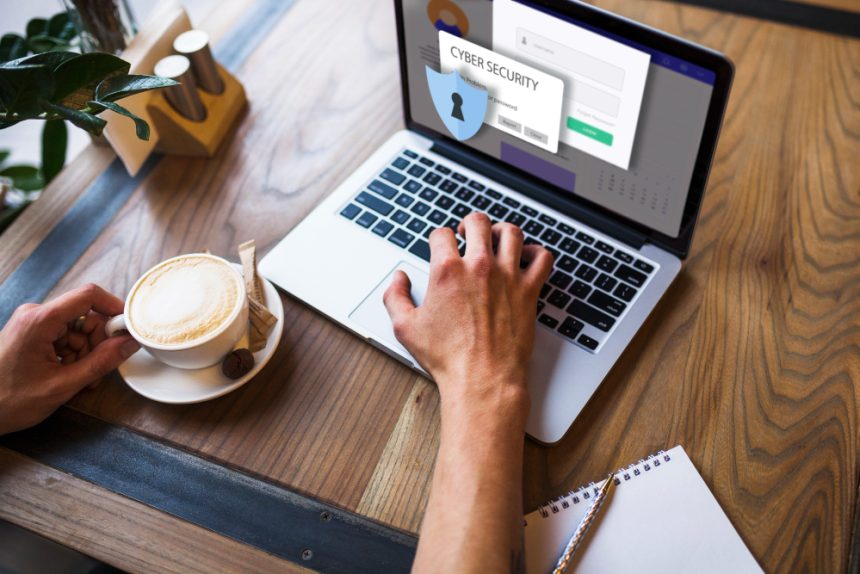
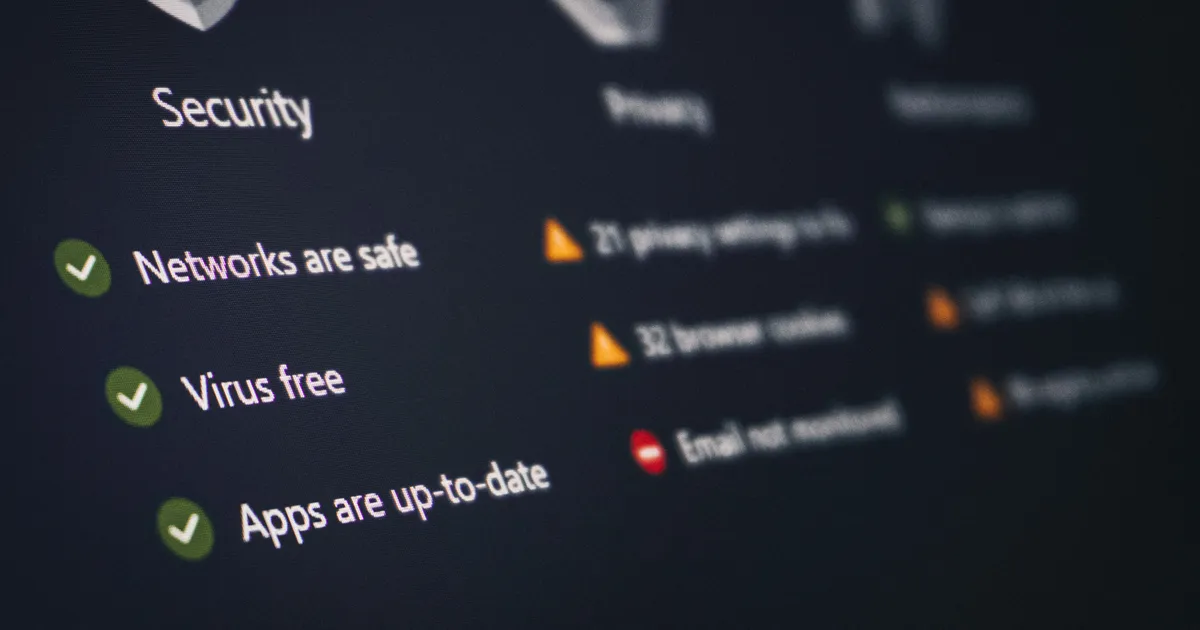
The online environment presents several security risks, including malware, phishing scams, and cyberbullying. Protecting students from these threats is crucial, especially as they spend more time online for remote learning. Look for internet providers that offer built-in security features, such as parental controls, antivirus software, and firewalls. Parental controls can help restrict access to inappropriate content and monitor online activity, while antivirus software can protect devices from malware and viruses.
Consider implementing additional security measures, such as strong passwords, two-factor authentication, and regularly updating software. Educate students about online safety best practices, including avoiding suspicious links, protecting personal information, and reporting any instances of cyberbullying. Utilize browser extensions and specialized software designed for online safety. A secure and protected online environment is essential for fostering a positive and productive remote learning experience. Ensure your home network is WPA3 encrypted to give even more protection.
Consider a VPN for Extra Security
A Virtual Private Network (VPN) provides an additional layer of security by encrypting your internet traffic and masking your IP address. This can help protect your online privacy and prevent eavesdropping, especially when using public Wi-Fi hotspots. While not always necessary for home internet connections, a VPN can be a valuable tool for students who travel or access online resources from unsecured networks. Research reputable VPN providers and choose one that offers reliable performance and strong security features. Using a VPN can provide peace of mind and enhance online safety for remote learners.
Customer Support and Technical Assistance
Even with a reliable internet connection, technical issues can arise unexpectedly. Having access to prompt and efficient customer support is essential for resolving problems quickly and minimizing disruptions to remote learning. Evaluate the internet provider’s customer support options, such as phone support, online chat, email support, and self-help resources. Check customer reviews and ratings to gauge the quality of their customer service. Ideally, the provider should offer 24/7 support to address issues at any time.
Test the provider’s customer service before committing to a long-term contract. Contact them with a simple question or technical issue to assess their responsiveness, knowledge, and helpfulness. Inquire about their troubleshooting procedures and escalation protocols. In the event of a major outage or technical problem, understanding how the provider handles such situations can provide valuable peace of mind. A responsive and helpful customer support team can be a valuable asset in ensuring a smooth and uninterrupted remote learning experience. This will likely be even more important moving into 2026 and beyond.
Pricing and Contract Options
Internet plans vary widely in price and contract terms. Carefully compare pricing plans from different providers and assess the total cost of ownership, including monthly fees, installation charges, equipment rental fees, and any potential overage charges. Consider the length of the contract and whether there are any penalties for early termination. Be wary of promotional offers that may expire after a certain period, resulting in higher monthly fees. Ensure you understand all the terms and conditions before signing a contract.
Consider bundling your internet service with other services, such as cable TV or phone service, to potentially save money. However, weigh the pros and cons of bundling carefully, as it may limit your flexibility to switch providers in the future. Negotiate with the internet provider to secure the best possible price and package. Comparing offers from multiple providers and leveraging competitive pricing can help you save money on your internet bill while ensuring you receive the necessary bandwidth and features for successful remote learning. Inquire about discounts available for students or educators.
Key Takeaways
- Sufficient bandwidth (at least 25 Mbps download, 3 Mbps upload) is critical for smooth remote learning.
- Prioritize internet providers with a proven track record of reliability and high uptime.
- Carefully evaluate data caps and consider plans with unlimited data or higher limits.
- Look for security features like parental controls and antivirus software to protect students online.
- Assess customer support options and choose a provider with responsive and helpful assistance.
- Compare pricing and contract options to find the best value for your needs.
Frequently Asked Questions
What is the minimum internet speed required for remote learning?
The minimum recommended internet speed for remote learning is 25 Mbps download and 3 Mbps upload. However, households with multiple users or bandwidth-intensive activities may require higher speeds.
How can I test my internet speed?
You can use online speed test tools, such as Speedtest by Ookla (linked here: https://www.speedtest.net) or Fast.com, to measure your internet speed. These tools provide accurate readings of your download and upload speeds.
What is a data cap, and how does it affect remote learning?
A data cap is a limit on the amount of data you can use each month. Exceeding this limit can result in overage charges or throttled speeds, which can disrupt online learning activities. Many internet providers provide a tool to track usage online.
How can I protect my child’s online safety during remote learning?
Implement parental controls, use antivirus software, educate children about online safety, and monitor their online activity. Strong passwords and two-factor authentication are also essential security measures. Additionally, consider using a reputable DNS service like Cloudflare (https://www.cloudflare.com) for added protection.
What should I do if my internet is frequently experiencing outages?
Contact your internet provider to report the issue and request troubleshooting assistance. If the outages persist, consider switching to a different provider with a more reliable connection, even if the service is slightly more expensive. It is beneficial to keep a secondary backup solution, such as a cellular hotspot, for redundancy to ensure important work can be completed without any interruptions.
Conclusion
Choosing the right internet provider is a critical investment in your child’s remote learning success in 2026. By carefully considering factors such as bandwidth, reliability, data caps, security features, customer support, and pricing, you can select an internet plan that meets your household’s needs and ensures a smooth and productive learning experience. Take the time to research your options and compare different providers to make an informed decision that will benefit your child’s education for years to come. Prioritizing these internet features will help create a successful and engaging online learning environment.