
For remote professionals, securing the best fiber broadband plans for remote workers is no longer a luxury but a fundamental necessity. A robust, high-speed, and reliable internet connection forms the backbone of any successful home office, enabling seamless video conferencing, rapid file transfers, cloud collaboration, and uninterrupted workflow. As the global shift towards remote work continues to accelerate in 2026, understanding the nuances of fiber optic internet becomes paramount. This comprehensive guide will delve into what makes fiber the superior choice for professionals working from home, outlining key features to prioritize, top providers, and essential considerations to ensure your digital workspace remains productive and efficient. We aim to equip you with the knowledge to select an internet plan that not only meets but exceeds your professional demands.
Why Fiber is Essential for Remote Work
Fiber optic internet offers a distinct advantage over traditional cable or DSL connections, making it the ideal choice for remote workers. Unlike older technologies that rely on copper wires, fiber uses incredibly thin strands of glass or plastic to transmit data as pulses of light. This fundamental difference translates into significantly faster speeds, both for downloads and, crucially for remote professionals, uploads. Activities like uploading large design files, participating in high-definition video conferences, or backing up critical data to cloud services demand substantial upload bandwidth, an area where fiber consistently outperforms.
Beyond raw speed, fiber optic networks deliver unparalleled reliability and stability. They are less susceptible to signal degradation over distance, electromagnetic interference, and adverse weather conditions that can plague copper-based systems. For a remote worker, this means fewer dropped calls, reduced lag during critical presentations, and a generally more consistent internet experience. The low latency inherent in fiber connections is also a game-changer, ensuring that interactions in real-time applications, such as collaborative document editing or online project management tools, feel instantaneous and fluid, directly contributing to higher productivity and reduced frustration throughout the workday.
Key Features to Look for in 2026 Plans
When evaluating fiber broadband plans for your home office in 2026, several critical features warrant close attention. First and foremost, assess the advertised download and upload speeds. While high download speeds are excellent for streaming and quick browsing, symmetrical speeds—where download and upload speeds are nearly identical—are invaluable for remote work tasks like video conferencing, cloud backups, and large file uploads. Look for plans offering at least 300 Mbps symmetrical, though gigabit (1000 Mbps) plans are increasingly common and offer future-proofing for growing demands.
Secondly, scrutinize data caps and throttling policies. Many fiber providers now offer unlimited data, which is essential for remote workers who often consume significant bandwidth daily. Avoid plans with low data caps, as exceeding them can lead to unexpected charges or throttled speeds, severely impacting your productivity. Furthermore, investigate the quality of customer support and the service level agreements (SLAs) offered. A responsive and knowledgeable support team is invaluable when technical issues arise, ensuring minimal downtime. Finally, review contract terms, including pricing post-promotional periods, installation fees, and equipment rental costs to avoid any unwelcome surprises.
Top Fiber Providers & Their Offerings
Several leading internet service providers (ISPs) offer robust fiber optic services tailored for the demands of remote work. Providers like Verizon Fios, AT&T Fiber, and Google Fiber are renowned for their high-speed, symmetrical connections and often provide excellent reliability. These companies typically offer a range of speed tiers, from several hundred Mbps up to multi-gigabit options, catering to diverse professional needs. When selecting a provider, availability is key, as fiber infrastructure is still expanding and may not be universally accessible in all regions.
Beyond the major national players, many regional fiber providers are emerging, often offering competitive pricing and personalized customer service. It’s always advisable to check local options in your area, as they might provide superior value or more localized support. Evaluating each provider’s specific plans, including their advertised speeds, pricing structures, and bundled services, is crucial. Pay particular attention to any business-grade options they might offer, which sometimes come with enhanced support or dedicated IP addresses, although standard residential fiber is often more than sufficient for most remote workers.
Understanding Symmetrical Speeds
For remote workers, the concept of symmetrical speeds is profoundly important and distinguishes fiber from most traditional broadband options. Symmetrical speeds mean that your upload speed is nearly identical to your download speed. For instance, a 500/500 Mbps plan offers 500 megabits per second for both downloading data from the internet and uploading data to it. This contrasts sharply with asymmetric connections, common in cable broadband, where upload speeds are significantly lower than download speeds (e.g., 500/50 Mbps). The ability to upload large files, stream high-quality video for presentations, or participate in video conferences without lag is directly tied to robust upload capabilities.
The benefits of symmetrical speeds extend across numerous remote work activities. When collaborating on cloud-based platforms, uploading updated documents or project files happens almost instantly. During critical client calls, your outgoing video and audio feed will be crisp and clear, preventing interruptions and enhancing professionalism. For creative professionals, such as graphic designers, video editors, or software developers, the ability to quickly transfer large assets to clients or repositories is a tremendous productivity booster. Fiber’s inherent design makes symmetrical speeds a standard offering, providing a crucial advantage for any professional operating a home office.
Speed Tiers: What Do Remote Workers Really Need?
Choosing the right speed tier is a balance between performance and cost. For many solo remote workers, a plan offering 100-300 Mbps symmetrical speeds is often sufficient. This range comfortably handles multiple video calls, large file downloads, and general web browsing simultaneously without noticeable slowdowns. It’s an excellent entry point for those new to fiber or with moderate bandwidth requirements. However, if your household has multiple remote workers, active online gamers, or frequent 4K streamers, you might quickly outgrow these speeds.
For power users, households with several internet-dependent individuals, or professionals dealing with very large files (e.g., video production, 3D rendering), plans offering 500 Mbps to 1 Gig (1000 Mbps) symmetrical speeds are highly recommended. These tiers provide ample headroom for virtually any concurrent activity, ensuring that bandwidth-intensive tasks don’t compete or cause bottlenecks. Multi-gigabit plans (2 Gbps, 5 Gbps, or even 8 Gbps) are becoming available in select areas, offering extreme performance for the most demanding users or small home-based businesses. While these are often more expensive, they provide ultimate future-proofing and unparalleled speed for the most intensive remote work scenarios in 2026. For a deeper understanding of speed requirements, the FCC’s Broadband Speed Guide offers valuable insights.
Beyond Speed: Reliability, Support, and Pricing
While raw speed is often the first consideration for fiber broadband plans, other factors significantly impact the overall remote work experience. Reliability, measured by uptime and consistent performance, is paramount. An internet connection that frequently drops or experiences intermittent slowdowns, regardless of its advertised top speed, is detrimental to productivity. Look for providers with a strong track record of network stability and minimal outages. Checking independent reviews and local community forums can provide real-world insights into a provider’s reliability in your specific area.
Customer support is another critical, often overlooked, aspect. When your internet goes down, swift and effective technical assistance is crucial to minimize downtime. Evaluate providers based on their support channels (phone, chat, online resources), response times, and the expertise of their technicians. Finally, transparent pricing and contract terms are essential. Be wary of hidden fees, sudden price hikes after introductory periods, and long-term contracts that may restrict your flexibility. Many top fiber providers now offer no-contract options or transparent month-to-month billing, which can be advantageous. Always compare the total cost of ownership, including equipment rentals and taxes, over the intended contract period.
Optimizing Your Home Network for Fiber
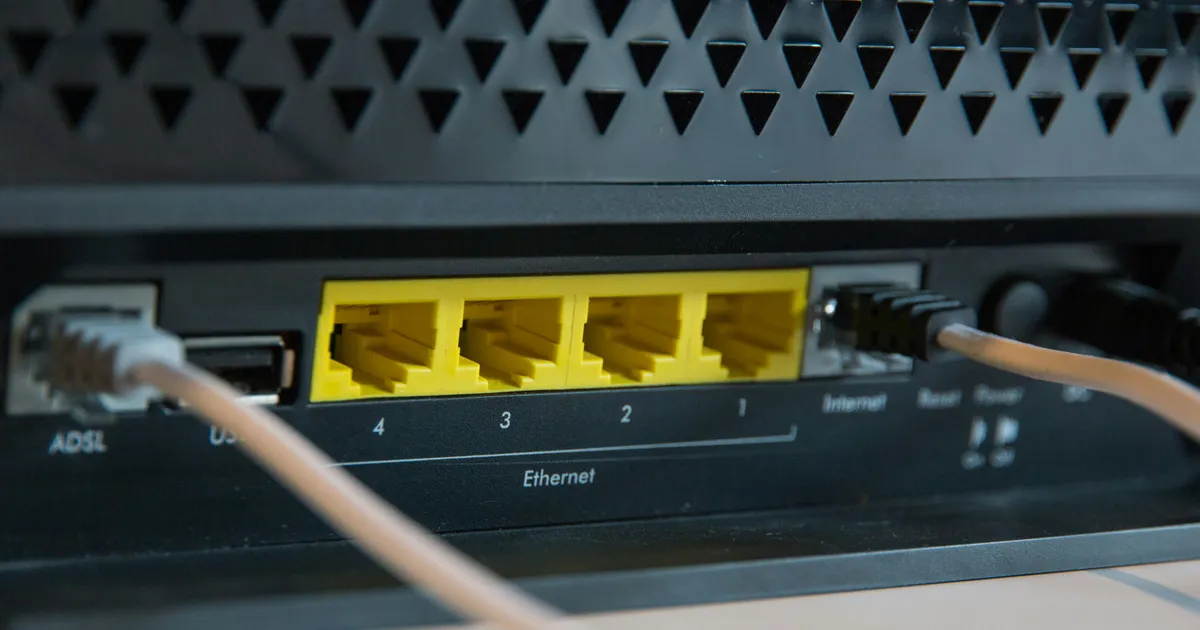
Having the best fiber broadband plans for remote workers is only half the battle; optimizing your home network ensures you fully leverage those speeds. Start by ensuring you have a modern router, preferably one supporting Wi-Fi 6 (802.11ax) or even Wi-Fi 6E, to maximize wireless performance. Older routers can create bottlenecks, preventing your devices from reaching the full potential of your fiber connection. Router placement is also crucial; position it centrally in your home, away from obstructions and other electronics that might cause interference.
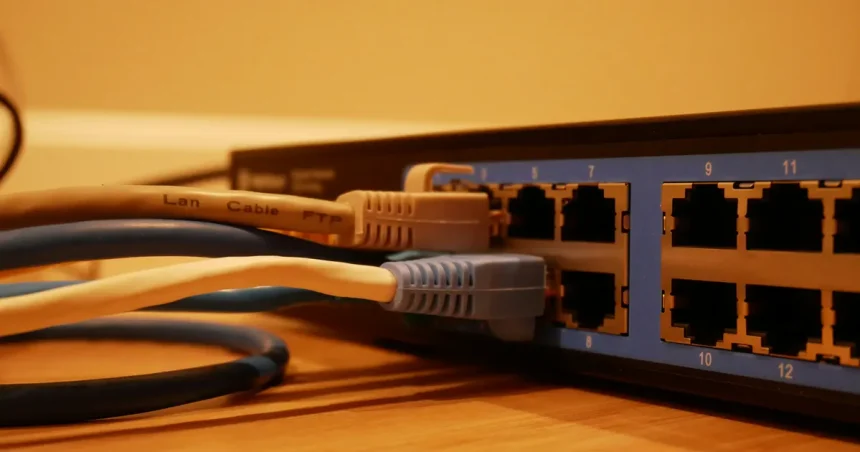
For critical work devices, such as your primary desktop or laptop, a wired Ethernet connection is always superior to Wi-Fi. Ethernet cables provide the most stable, fastest, and lowest-latency connection possible, eliminating potential wireless interference or signal drops. If your workspace is far from the router, consider running a long Ethernet cable or investing in a mesh Wi-Fi system. Mesh systems extend Wi-Fi coverage throughout your home by using multiple interconnected units, ensuring strong signals even in dead zones. Regularly updating your router’s firmware and securing your network with a strong password are also essential practices for maintaining optimal performance and security. For more tips on network optimization, resources like PCMag’s guide to boosting Wi-Fi speed can be very helpful.
Key Takeaways
- Fiber optic internet offers superior speed, reliability, and low latency crucial for remote work.
- Prioritize symmetrical upload and download speeds for efficient video conferencing and file transfers.
- Look for unlimited data plans and transparent pricing to avoid unexpected costs.
- Choose a speed tier that matches your household’s total bandwidth consumption and future needs.
- Invest in a modern Wi-Fi 6 router and consider wired connections for primary work devices.
- Evaluate providers based on customer support, network reliability, and contract flexibility.
Frequently Asked Questions
What download speed do I truly need for remote work?
For a single remote worker, a minimum of 100-200 Mbps download speed is generally sufficient for most tasks, including video calls and cloud-based applications. However, if multiple people in your household are simultaneously streaming, gaming, or working, 300 Mbps or higher is highly recommended to prevent congestion and ensure smooth operation for everyone.
Are symmetrical upload speeds really that important for remote workers?
Yes, absolutely. Symmetrical upload speeds, where your upload speed matches your download speed, are critical for remote workers. They ensure crystal-clear video calls, rapid uploading of large files to cloud storage or clients, and smooth collaboration on shared documents, preventing frustrating lags and improving overall productivity.
How does fiber internet compare to 5G home internet for remote work?
While 5G home internet can offer impressive speeds and low latency in areas with strong coverage, fiber optic internet generally provides more consistent speeds, lower latency, and greater reliability, particularly for sustained, high-bandwidth usage. Fiber is typically less susceptible to network congestion and environmental interference, making it the more stable choice for a dedicated home office.
Should I get a business fiber plan or is a residential plan enough?
For most individual remote workers, a high-tier residential fiber plan (e.g., 500 Mbps or 1 Gig symmetrical) is more than adequate and typically more cost-effective. Business plans often come with additional features like dedicated IP addresses, priority support, and SLAs, which are usually only necessary for small businesses with specific technical requirements or higher uptime demands.
What equipment do I need to maximize my fiber internet performance?
To maximize your fiber performance, you’ll need a modern router that supports Wi-Fi 6 or 6E, especially if you have many wireless devices. For your primary work computer, use an Ethernet cable for a direct, stable connection. Depending on your home’s size, a mesh Wi-Fi system might be beneficial to ensure strong, consistent coverage in all work areas.
Conclusion
Choosing the best fiber broadband plans for remote workers is a strategic decision that directly impacts productivity, efficiency, and overall job satisfaction. By prioritizing symmetrical speeds, unlimited data, robust reliability, and responsive customer support, you can establish a home office environment that rivals any traditional workspace. As remote work continues to evolve in 2026, investing in a high-quality fiber connection is an investment in your professional future. Take the time to research available providers in your area, compare their offerings, and select a plan that not only meets your current needs but also provides the flexibility and performance to adapt to future demands, ensuring seamless connectivity for all your remote endeavors.