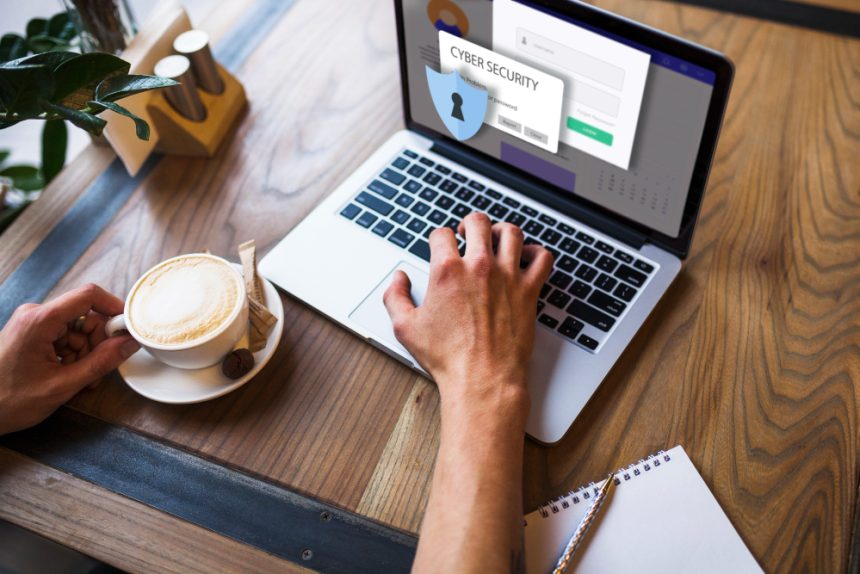

In 2026, simple cybersecurity tips for everyday internet users are more critical than ever, as digital threats become increasingly sophisticated. The internet is an integral part of our lives, connecting us for work, socializing, and entertainment. Understanding how to protect ourselves online is no longer optional; it’s a necessity for safeguarding our personal information, financial assets, and overall digital well-being. This guide offers practical advice to equip you with the knowledge and tools to navigate the online world safely and confidently.
Strong Passwords and Password Management
The foundation of online security lies in strong, unique passwords. Avoid using easily guessable information like your name, birthdate, or pet’s name. Instead, create passwords that are at least 12 characters long and incorporate a combination of uppercase and lowercase letters, numbers, and symbols. Consider using a password manager to generate and securely store your passwords. This eliminates the need to remember multiple complex passwords and also protects you from using the same password on multiple sites, a common vulnerability exploited by hackers.
Password managers are designed to encrypt your passwords and other sensitive information, providing a secure vault that is accessible only with a master password. These tools can also automatically fill in your login credentials on websites and apps, saving you time and effort. While the security of password managers themselves is crucial, reputable providers implement robust security measures to protect user data. For more information on choosing a secure password manager, resources like the National Institute of Standards and Technology (NIST) offer valuable guidelines.
Two-Factor Authentication (2FA)
Even with strong passwords, accounts can be compromised. To enhance security, enable two-factor authentication (2FA) whenever possible. 2FA adds an extra layer of protection by requiring a second form of verification, such as a code sent to your phone or an authenticator app, in addition to your password. This makes it significantly harder for someone to access your account, even if they have your password. For example, enable 2FA on your email, banking, and social media accounts.
Beware of Phishing Scams
Phishing scams are a common tactic used by cybercriminals to trick individuals into revealing personal information. These scams often come in the form of emails, text messages, or phone calls that appear to be from legitimate organizations, such as banks, government agencies, or popular online services. They typically contain a sense of urgency or threat, prompting you to take immediate action, such as clicking on a link or providing sensitive information. Always be wary of unsolicited communications, especially those asking for personal or financial details.
Before clicking on any links or providing any information, carefully examine the sender’s email address, the website URL, and the overall tone of the message. Look for spelling and grammatical errors, generic greetings, and inconsistencies in the organization’s branding. If you’re unsure about the legitimacy of a communication, contact the organization directly through a known phone number or website to verify its authenticity. Report any suspected phishing scams to the relevant authorities, such as the Federal Trade Commission (FTC), to help protect others from falling victim to these attacks.
Software Updates and Security Patches
Keeping your software up to date is essential for maintaining a secure online environment. Software updates often include security patches that address vulnerabilities that hackers can exploit. Regularly updating your operating system, web browser, antivirus software, and other applications can help protect your computer and data from malware and other cyber threats. Enable automatic updates whenever possible to ensure that you’re always running the latest versions of your software.
Ignoring software updates can leave your system vulnerable to known security flaws. Cybercriminals actively search for unpatched vulnerabilities and use them to gain access to computers and networks. Procrastinating on updates is like leaving the door unlocked for intruders. In 2026, most modern operating systems and software offer automatic updates, but it’s still important to check periodically to ensure that updates are being installed correctly. You can also manually initiate updates through the software’s settings menu.
Secure Your Home Network
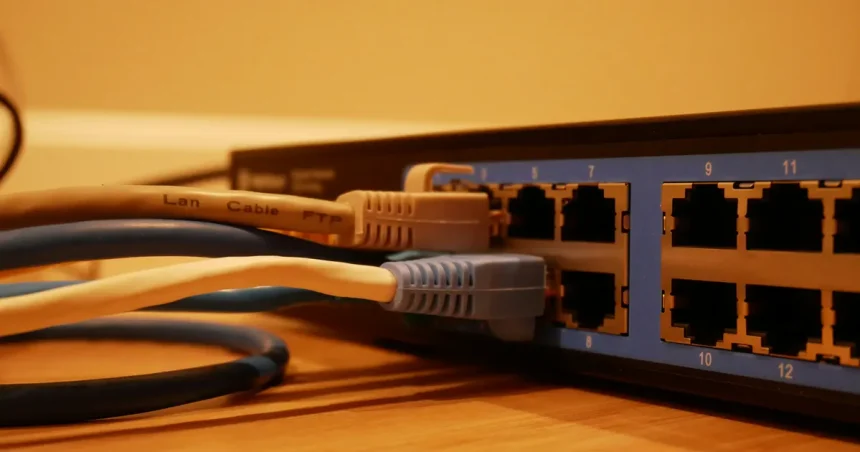
Your home network acts as the gateway to the internet for all your connected devices, making it a prime target for cyberattacks. Securing your home network is crucial for protecting your personal information and preventing unauthorized access to your devices. Start by changing the default password on your Wi-Fi router to a strong, unique password. Enable Wi-Fi Protected Access 3 (WPA3) encryption, the latest and most secure wireless security protocol. Regularly update your router’s firmware to patch security vulnerabilities.
In addition to securing your router, consider creating a separate guest network for visitors. This prevents them from accessing your main network and any sensitive data stored on your devices. Disable remote access to your router, unless you specifically need it. Consider using a firewall to monitor network traffic and block suspicious activity. Regularly review your router’s security settings to ensure that they are properly configured. Free Wi-fi hotspots can also be dangerous, exposing your data to snooping. Avoid using them when possible or utilize a VPN.
Back Up Your Data Regularly
Data loss can occur due to various reasons, including hardware failure, software corruption, malware attacks, and natural disasters. Backing up your data regularly is essential for preventing permanent data loss and ensuring that you can recover your files in the event of an unforeseen event. There are several options available for backing up your data, including external hard drives, cloud storage services, and network-attached storage (NAS) devices.
Consider implementing a 3-2-1 backup strategy, which involves creating three copies of your data, storing them on two different types of media, and keeping one copy offsite. This strategy provides multiple layers of protection against data loss. Regularly test your backups to ensure that they are working properly and that you can successfully restore your data when needed. Develop a data recovery plan that outlines the steps you will take in the event of a data loss incident. Regularly backing up your data is an important step towards protecting your digital assets and ensuring business continuity.
Practice Safe Browsing Habits
Safe browsing habits are essential for protecting yourself from online threats. Avoid clicking on suspicious links or downloading files from untrusted sources. Be wary of websites that ask for personal information, especially if they don’t use HTTPS encryption (indicated by a padlock icon in the address bar). Use a reputable antivirus program and keep it updated. Regularly scan your computer for malware and other threats.
Be mindful of the websites you visit and the information you share online. Avoid posting sensitive information, such as your address, phone number, or financial details, on social media or public forums. Use strong passwords for all your online accounts and enable two-factor authentication whenever possible. Clear your browsing history and cookies regularly to protect your privacy. Report any suspicious activity or scams to the relevant authorities. Staying informed and practicing safe browsing habits can help you stay one step ahead of cybercriminals.
Key Takeaways
- Use strong, unique passwords for all your online accounts.
- Enable two-factor authentication (2FA) whenever possible.
- Be wary of phishing scams and unsolicited communications.
- Keep your software up to date with the latest security patches.
- Secure your home network with a strong password and WPA3 encryption.
- Back up your data regularly to prevent data loss.
Frequently Asked Questions
What is two-factor authentication (2FA)?
Two-factor authentication (2FA) is a security process that requires two different authentication factors to verify a user’s identity. Typically, this involves something you know (your password) and something you have (a code sent to your phone or an authenticator app).
How do I create a strong password?
A strong password should be at least 12 characters long and include a combination of uppercase and lowercase letters, numbers, and symbols. Avoid using easily guessable information and consider using a password manager to generate and store your passwords. These ensure randomness and complexity.
What should I do if I receive a phishing email?
If you receive a suspicious email, do not click on any links or provide any personal information. Report the email to the relevant authorities, such as the FTC, and delete it from your inbox. Also, report the activity to the company that the email may have been impersonating.
How often should I update my software?
You should update your software as soon as updates are available. Security updates often address critical vulnerabilities that hackers can exploit. Enable automatic updates whenever possible to ensure that you’re always running the latest versions.
Is it safe to use public Wi-Fi?
Using public Wi-Fi can be risky, as your data may be vulnerable to interception. Avoid accessing sensitive information, such as banking or financial accounts, on public Wi-Fi networks. Consider using a VPN to encrypt your internet traffic and protect your privacy. In 2026, most public hotspots are still unsecured.
Conclusion
Protecting yourself online is an ongoing effort that requires vigilance and awareness. By implementing these simple cybersecurity tips, you can significantly reduce your risk of falling victim to cyberattacks and safeguard your personal information. Stay informed about the latest online threats and continue to adapt your security practices as the online landscape evolves. Taking proactive steps to protect your digital assets can help you navigate the internet safely and confidently in 2026 and beyond.