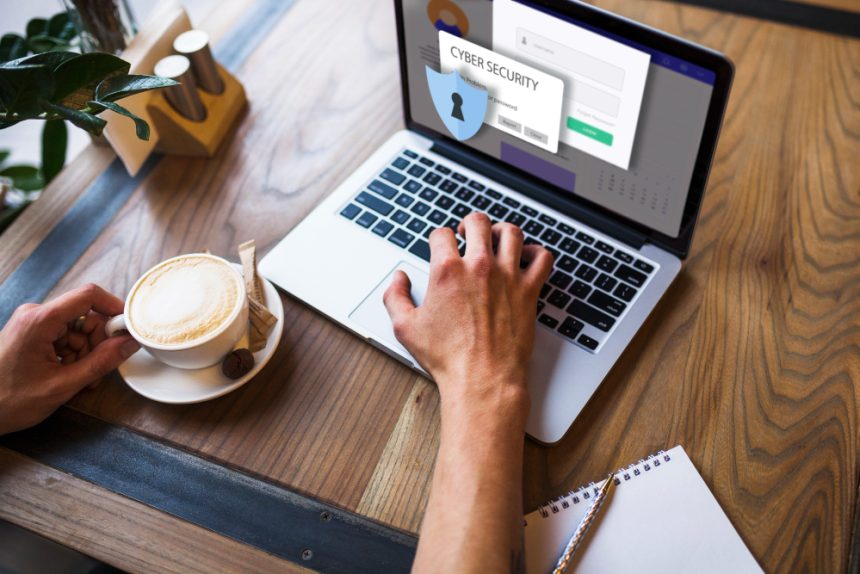

Protecting personal online information through safe browsing habits is paramount in today’s digital age. As we navigate the internet, our data is constantly at risk from cyber threats, making secure practices more important than ever. This guide emphasizes the importance of being vigilant and proactive in our online interactions, offering actionable steps and strategies to safeguard your personal data and maintain a secure online presence. Taking the time to understand and implement these methods significantly reduces your vulnerability to online scams and identity theft, enabling you to enjoy the benefits of the internet with confidence.
Strong Passwords and Password Management
One of the first lines of defense against cyber threats involves creating strong, unique passwords for each online account. A strong password utilizes a combination of uppercase and lowercase letters, numbers, and special characters. Avoid using easily guessable information such as your name, birthdate, or common words. Password length also plays a crucial role in security, with longer passwords providing exponentially greater resistance to cracking by malicious software and individuals seeking to compromise your accounts.
Employing a password manager is a highly recommended strategy for managing numerous complex passwords securely. Password managers generate and store strong passwords, alleviating the need to remember them manually. They can also automatically fill in your login credentials on websites and apps, streamlining the login process. Reputable password managers use robust encryption to protect the vault of stored passwords, mitigating the risk of a widespread breach of your online accounts in the 2026 threat landscape.
Securing Your Web Browser
Your web browser serves as a primary tool for accessing the internet, making its security crucial for protecting your personal information. Regularly update your browser to the latest version, as updates often include important security patches that address known vulnerabilities. These updates enhance the browser’s protection against emerging threats and ensure compatibility with the latest security protocols. Disabling unnecessary browser extensions is another effective method to improve your online safety. Extensions can introduce security vulnerabilities, so it’s best to review and remove any that are no longer needed or from unverified sources.
Enable browser security features to further enhance the security of your online experience. Features like “Do Not Track” and built-in phishing protection can help prevent websites from tracking your browsing activities and identify fraudulent websites attempting to steal your login credentials or other sensitive information. Modify your browser’s privacy settings to control cookies and data collection, limiting the amount of information websites can gather about you. According to industry experts, tightening controls on your web browser goes a long way towards minimizing exposure in 2026.
Two-Factor Authentication (2FA) implementation
Implementing Two-Factor Authentication (2FA) on all possible accounts is a crucial step in protecting your online identity, especially in the face of sophisticated cyberattacks. 2FA adds an extra layer of security beyond just a password, usually requiring a code sent to your phone or generated by an authenticator app. Even if someone manages to obtain your password, they won’t be able to access your account without this second factor.
Safe Social Media Practices
Social media platforms, while connecting millions worldwide, can also pose significant privacy risks. Prioritize your personal information and avoid sharing sensitive details such as your address, phone number, birthday, or financial details publicly on social media. Adjust your privacy settings to control who sees your posts and personal information. Limit access to your profile to friends and family, and review your privacy settings regularly to ensure they align with your desired level of security.
Be cautious of suspicious links and posts on social media, as they could lead to phishing scams or malware infections. Never click on links from unknown sources or that seem too good to be true. Verify the authenticity of posts before sharing them or engaging with them, especially if they involve requests for personal information or financial assistance. Regularly review your friend list and remove any suspicious or unfamiliar profiles to minimize the risk of malicious activity.
Recognizing and Avoiding Phishing Attempts
Phishing attacks are a prevalent method used by cybercriminals to steal personal information. These attacks often come in the form of emails, text messages, or phone calls that impersonate legitimate businesses or organizations. Be wary of unsolicited emails or messages that request personal information, such as your username, password, social security number, or bank account details. Legitimate businesses typically do not request sensitive information through these channels.
Examine the sender’s email address or phone number carefully, looking for inconsistencies or misspellings that may indicate a phishing attempt. Be skeptical of emails or messages with a sense of urgency or threats, pressuring you to provide immediate information or take action. Hover over links before clicking on them to verify their destination and avoid clicking on suspicious or shortened URLs. If you suspect a phishing attempt, report it to the relevant organization or security agency, such as the FTC, to help protect others from falling victim to the same scam. Stay updated on common phishing tactics by regularly consulting resources like the Anti-Phishing Working Group at apwg.org.
Keeping Software Updated
Outdated software can leave devices and systems vulnerable to security risks. Regularly update your operating system, web browser, antivirus software, and other applications to patch security vulnerabilities and improve overall system security. Configure automatic updates to ensure that your software is always running the latest version. Pay particular attention to security alerts and notifications, promptly addressing any required updates or security patches.
Vigilantly monitor your devices for any signs of malware or unusual activity, such as slow performance, frequent crashes, or unauthorized programs running in the background. Run regular scans with your antivirus software to detect and remove any malicious software that may have infected your system. Consider investing in a comprehensive security suite that includes features like antivirus protection, firewall, and spyware removal. Keeping your software up to date minimizes the chances of your personal data being compromised by vulnerabilities in 2026.
Secure Wi-Fi Networks
When using Wi-Fi, always connect to secure, password-protected networks. Public Wi-Fi networks, such as those found in coffee shops or airports, are often unsecured and can expose your data to interception by hackers. Avoid transmitting sensitive information, such as login credentials or financial details, over public Wi-Fi networks. Use a Virtual Private Network (VPN) when connecting to public Wi-Fi to encrypt your internet traffic and protect your data from eavesdropping.
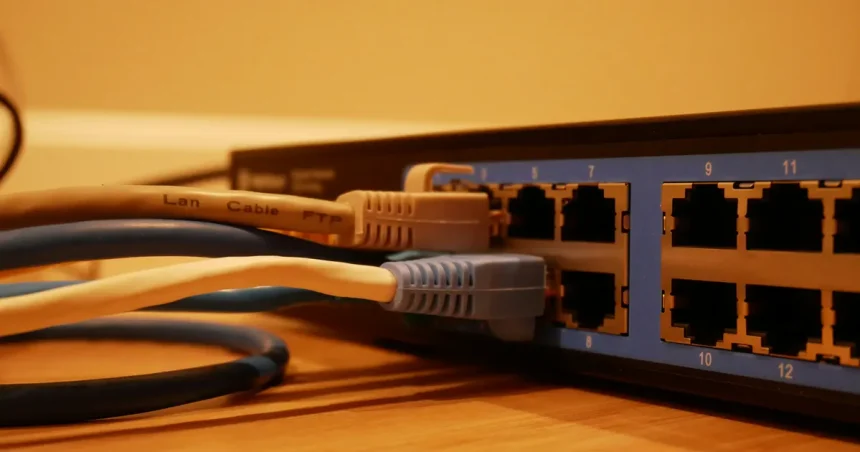
At home, secure your Wi-Fi network with a strong password. Change the default admin password of your router to a unique combination of letters, numbers, and special characters, which is a standard practice in 2026. Enable encryption on your Wi-Fi network using WPA3 (Wi-Fi Protected Access 3), the latest security protocol. Consider enabling a guest network for visitors to keep your primary network protected from unauthorized access and potential threats.
Key Takeaways
- Use strong, unique passwords for all your online accounts and manage them using a password manager.
- Keep your web browser and all software updated to address security vulnerabilities.
- Be cautious on social media and avoid sharing sensitive personal information publicly.
- Recognize and avoid phishing attempts by carefully examining emails and messages for suspicious activity.
- Secure your Wi-Fi network and use a VPN when connecting to public Wi-Fi.
- Implement Two-Factor Authentication (2FA) wherever possible for an extra layer of security.
Frequently Asked Questions
What should I do if I suspect my account has been hacked?
Immediately change your password for the affected account and any other accounts that share the same password. Contact the service provider to report the incident and follow their instructions for securing your account. Review your account activity for any unauthorized transactions or changes and report them to the relevant authorities.
How often should I change my passwords?
While there’s no one-size-fits-all answer, it’s generally recommended to change your passwords at least every three to six months, especially for sensitive accounts like banking or email. If you suspect your account has been compromised, change your password immediately.
What is a VPN and how does it protect my privacy?
A Virtual Private Network (VPN) encrypts your internet traffic and routes it through a secure server, masking your IP address and location. This protects your online activity from being monitored or intercepted by third parties, such as hackers or your internet service provider, enhancing your privacy and security.
How can I tell if a website is secure?
Look for the “https” in the website’s address and a padlock icon in the browser’s address bar. These indicate that the website is using SSL/TLS encryption to protect your data. Be cautious of websites with broken or missing security certificates, as they may not be secure.
What steps can I take to protect my children online?
Talk to your children about online safety and teach them about the risks of sharing personal information with strangers. Set clear rules and expectations for online behavior, monitor their internet activity, and use parental control software to block inappropriate content and limit their time online. Learn more from resources like ConnectSafely.org.
Conclusion
Implementing safe browsing habits is an ongoing process, but the rewards—enhanced security, reduced risk of identity theft, and greater peace of mind—are well worth the effort. By staying informed about the latest threats and adopting proactive measures, you can navigate the internet confidently and protect your personal online information. Make sure to regularly review your security practices and stay vigilant to emerging threats. The digital world of 2026 will require even greater vigilance, requiring a consistent approach to maintaining online safety.