
Securing smart devices begins with establishing strong network defenses, acting as the first line of protection against cyber threats targeting your connected home. As the number of IoT (Internet of Things) devices continues to explode in 2026 – from smart thermostats and baby monitors to security cameras and door locks – so does the potential attack surface for malicious actors. Neglecting network security is akin to leaving your front door unlocked, inviting unwanted intrusions and compromising sensitive personal data. This article will explore the essential strategies you can implement to fortify your home network and protect your smart devices from unauthorized access and potential vulnerabilities.
Understanding Smart Device Security Risks
The growing popularity of smart devices has unfortunately coincided with an increase in security vulnerabilities. Many of these devices are often produced with minimal security features, making them easy targets for hackers. Default passwords are notoriously weak and, if unchanged, provide an open gateway for unauthorized access. Furthermore, outdated firmware and unpatched software flaws can create backdoors that cybercriminals can exploit to gain control of your devices and potentially your entire network. In fact, experts predict that the average home will have over 20 connected devices by 2026, amplifying the security risks significantly.
One significant threat is that compromised smart devices can become part of botnets, used to launch large-scale distributed denial-of-service (DDoS) attacks that can cripple websites and online services. Hackers can also harvest personal information from these devices, including location data, browsing history, and even video and audio recordings. This data can then be used for identity theft, financial fraud, or other malicious purposes. Ultimately, understanding and addressing these inherent security risks is paramount for ensuring the safety and privacy of your digital life. Consider exploring resources on cybersecurity best practices from organizations like the National Institute of Standards and Technology (NIST) for more information.
Strengthening Your Wi-Fi Network
Your Wi-Fi network acts as the central hub for all your connected devices, so it is critical to secure it properly. The first step is to change the default network name (SSID) and password. Avoid using easily guessable information like your address, birthday, or pet’s name. Opt for a strong, complex password that includes a combination of uppercase and lowercase letters, numbers, and symbols. A password manager can assist in generating and storing these secure credentials. Moreover, keep your router’s firmware updated to patch any security vulnerabilities.
Enabling Wi-Fi Protected Access 3 (WPA3) encryption, the latest security protocol, is highly recommended. WPA3 offers stronger authentication and encryption compared to older protocols like WPA2. If your router and devices support WPA3, enable it in your router’s settings. Consider enabling the guest network feature on your router to isolate your smart devices from your primary network. This will prevent a compromised smart device from accessing your more sensitive data stored on computers and other devices connected to your main network and is one of the easiest ways to secure smart devices.
Segmenting Your Network
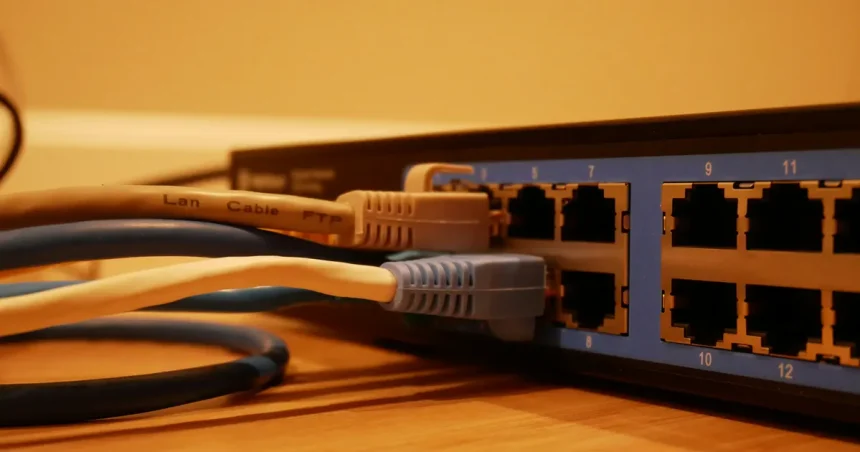
Network segmentation involves creating separate networks within your home, each with its own security settings and access controls. For example, you could create a separate network solely for your smart devices, isolating them from your computers, smartphones, and other personal devices. This can significantly reduce the impact of a security breach on one device spreading to your entire network. Advanced routers and firewalls often provide features that make network segmentation relatively easy to implement.
Securing Smart Devices Individually
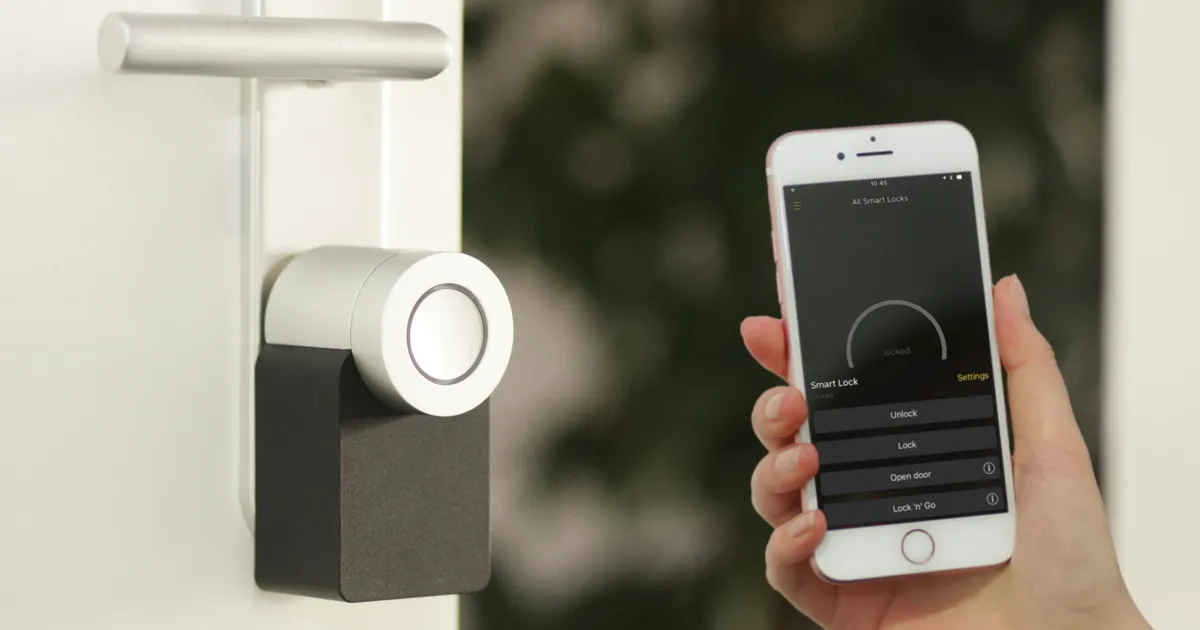
Besides network security, individual smart device protection is equally important. Always change the default passwords for your smart devices to strong, unique passwords. Enable multi-factor authentication (MFA) whenever available, adding an extra layer of security beyond just a password. Keep your smart device firmware updated by enabling automatic updates or manually checking for updates regularly. Manufacturers often release updates to patch security vulnerabilities and improve device performance.
Review the privacy settings on each of your smart devices and disable any features that you don’t need or that collect excessive amounts of data. Pay close attention to microphone and camera permissions and restrict access to only trusted applications. Furthermore, consider using a virtual private network (VPN) to encrypt your internet traffic and protect your privacy, especially when using public Wi-Fi networks. Regularly review the devices connected to your network and remove any that you no longer use or recognize.
Implementing Firewall Protection
A firewall acts as a barrier between your network and the outside world, monitoring incoming and outgoing network traffic and blocking any suspicious activity. Most routers come with a built-in firewall that is enabled by default, but it is crucial to ensure that it is properly configured. Consider investing in a more advanced firewall, such as a hardware firewall or a software firewall, for enhanced protection.
Configure your firewall to block unauthorized access to your network and to monitor network traffic for suspicious activity. A good firewall can detect and block unauthorized login attempts, malware infections, and other security threats. Whitelisting, allowing only specific devices or IP addresses to access your network, is yet another good approach. Regularly review your firewall logs to identify and address any potential security issues. Keeping your firewall updated is crucial for its ongoing effectiveness. You can also research online resources to learn more about configuring your firewall settings optimally.
Monitoring Your Network Activity
Regularly monitoring your network activity can help you identify and respond to potential security threats. Keep an eye on your router’s logs for any unusual activity, such as unauthorized login attempts, excessive data usage, or connections to suspicious IP addresses. Many routers offer features that allow you to monitor your network traffic in real-time.
Consider using network monitoring tools and mobile apps to track your network activity and receive alerts for any suspicious behavior. These tools can help you identify devices that are consuming excessive bandwidth or connecting to malicious websites. By proactively monitoring your network activity, you can detect and address security threats before they cause serious damage. Remember that a proactive approach and constant vigilance will help to best secure smart devices.
Key Takeaways
- Always change default passwords on smart devices and routers.
- Enable WPA3 encryption on your Wi-Fi network where possible.
- Segment your network to isolate smart devices from sensitive data.
- Keep your smart device firmware and router software updated.
- Use a strong firewall to monitor and block suspicious network traffic.
- Regularly monitor your network activity for potential security threats.
Frequently Asked Questions
What is a strong password for a smart device?
A strong password should be at least 12 characters long and include a mix of uppercase and lowercase letters, numbers, and symbols. Avoid using personal information or common words.
How often should I update my smart device firmware?
Check for firmware updates at least once a month, or enable automatic updates if available. Manufacturers often release updates to patch security vulnerabilities and improve device performance. Leaving outdated firmware increases risks.
What is network segmentation, and why is it important?
Network segmentation involves creating separate networks within your home, isolating different types of devices from each other. This prevents a security breach on one device from spreading to your entire network. It is something all homes should implement as the year 2026 grows closer.
Should I disable UPnP on my router?
Universal Plug and Play (UPnP) is a protocol that allows devices to automatically open ports on your router. While convenient, it can also be a security risk. Disabling UPnP can improve your network security, but may require manual port forwarding for certain applications.
What should I do if I suspect my smart device has been hacked?
Immediately disconnect the device from your network and change its password. Run a malware scan on any devices connected to the same network. Contact the device manufacturer for assistance and consider reporting the incident to the appropriate authorities. Be diligent and thorough in your response.
Conclusion
Securing your smart devices using strong networks is an ongoing process that requires vigilance and proactive measures. By following the strategies outlined in this article, you can significantly reduce your risk of falling victim to cyberattacks and protect your personal information. As the number of connected devices in our homes continues to grow, so does the importance of prioritizing security. Don’t wait until you experience a security breach to take action. Implement these security measures today to ensure a safer and more secure digital future. It’s crucial to adapt to the evolving threat landscape and commit to ongoing security best practices to protect your smart home in 2026 and beyond.